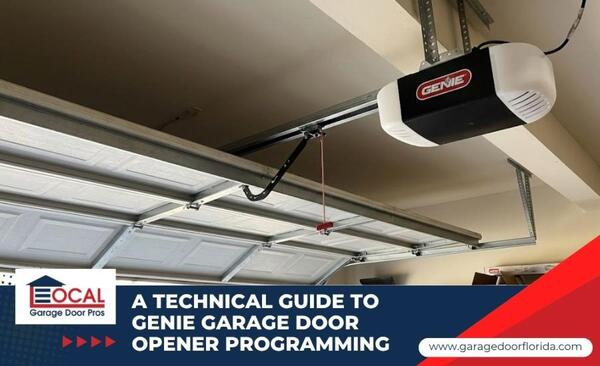
Programming your Genie garage door opener is the best way to keep your home secure and your daily routine moving smoothly. Many homeowners can complete basic remote syncing and limit setup by following the instructions for their specific Genie opener model. This article covers everything from matching your specific motor type to troubleshooting common signal issues to help you succeed with your Genie garage door opener programming. You will learn how to sync remotes, set travel limits, and identify when a professional should step in in this guide.
Quick Reference for Genie Programming Features
Identifying the specific features and interface of your motor head will help you determine the correct programming sequence for your device. The following table highlights the key differences between the major Genie technology generations to help you choose the right steps for your system:
| Technology Type | Key Identification Feature | Primary Programming Button | Best Use Case |
| Fixed Code | 9 or 12 DIP Switches | None (Manual Switch Match) | Legacy system security |
| Intellicode I | Often identified by a red Learn Code indicator | Learn Code Button | Standard remote syncing |
| Intellicode II | Often identified by blue or dual-LED Program/Set indicators | Program/Set Button | High-security rolling codes |
| Aladdin Connect | Wi-Fi Signal Icon | Smartphone App Sync | Remote smart home control |
Understanding Genie Radio Frequency and Rolling Codes
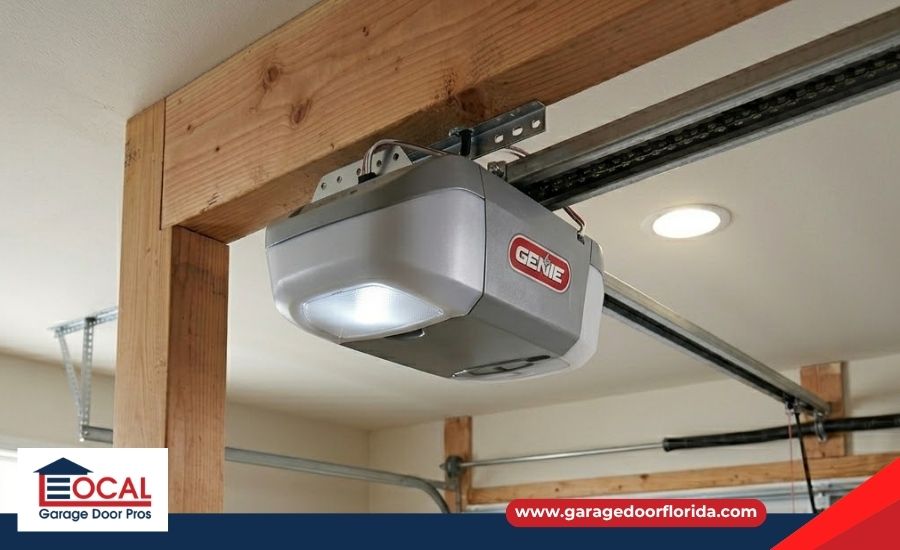
Genie uses specific signals to ensure your neighbor's remote doesn't open your door. You need to know which version your motor uses before you start the syncing process:
- Fixed Code (Pre-1995): These legacy units use a series of 9 or 12 manual DIP switches to set a static security code that must match between the remote and the motor head.
- Intellicode I (Series II): An early rolling-code system that uses a Learn Code button to sync remotes and improve security by changing the access code after each activation.
- Intellicode II: A widely used rolling-code system found in many newer Genie openers that use a "Program/Set" button and a dual-LED system for more complex encryption and better home security.
- Aladdin Connect: An integrated Wi-Fi system that requires you to download the mobile app and sync the Door Control Module to your home network for remote smartphone operation.
Step-by-Step Genie Garage Door Opener Programming
Setting up your remotes and door travel distance requires following the correct programming sequence to lock in the settings. Follow these steps to get your system fully operational:
- Clearing System Memory: Press and hold the Program or Learn Code button according to your opener manual to erase stored remotes and keypads from memory.
- Remote Syncing: Press and hold the Program or Learn button until the indicator light changes or begins flashing, then follow your Genie remote's programming sequence to complete the sync process.
- Setting Upward Travel: Press and hold the plus button to move the door to the fully open position and press the Program button to save this upper limit.
- Setting Downward Travel: Press and hold the minus button to bring the door to the floor, and press the Program button to lock the closed position for the safety reversal system.
- Force Profile Calibration: Run the door through one complete open and close cycle so the motor can calculate the exact power needed to lift the door weight safely.
- Mandatory Safety Reversal Test: Place a 2x4 wood block flat on the garage floor and close the door; the opener must reverse immediately upon contact, or it is improperly programmed and dangerous.
Note: Programming steps can vary depending on the Genie opener model, remote type, and keypad version. Always refer to your owner's manual before clearing memory, adjusting travel limits, or changing safety settings.
How a Professional Garage Door Repair Technician Can Help
Professional technicians can resolve complex programming failures that stem from underlying hardware or electrical malfunctions. Contact a specialist if your programming attempts are consistently blocked by these technical roadblocks:
- Logic Board Failures: If the motor head refuses to enter "Learn Mode" or drops the programming immediately after a power cycle, an expert must test the circuit board for fried components or electrical shorts.
- Safety Sensor Diagnostics: When blinking LED codes on the motor indicate a sensor error, a professional uses specialized tools to check for internal wiring breaks or bracket warping that prevents travel limit calibration.
- Interference Isolation: Specialists use frequency scanners to identify external radio frequency interference (RFI) from nearby electronics that may be jamming your remote's signal during the sync process.
- Safety System Inspections: A trained technician can inspect your opener programming, force settings, travel limits, and safety reversal system to help ensure the door operates safely and responds properly during obstruction tests.
Maintain a Reliable Genie Garage Door Opener System
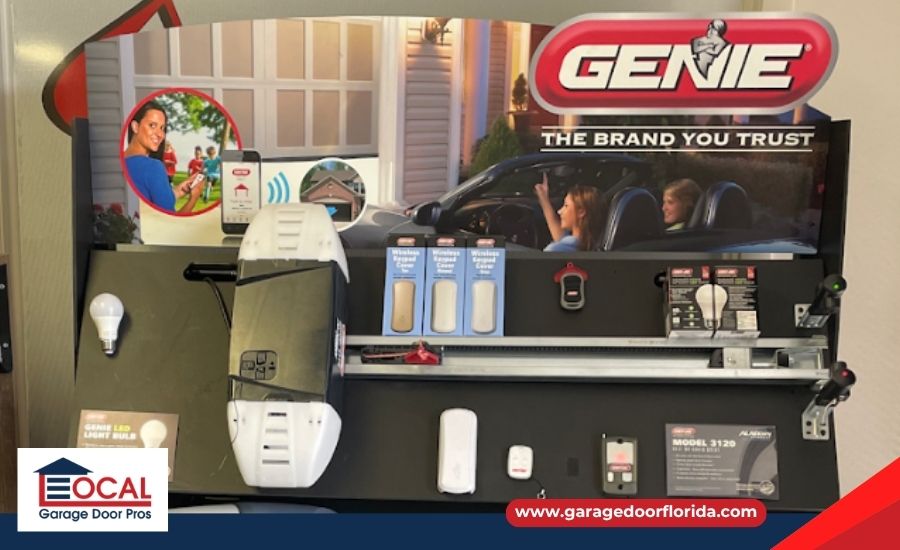
Getting your programming right is the first step toward a long-lasting garage door system. Once the remotes are synced and the limits are set, your opener should run quietly and reverse instantly if it hits an object. Keep an eye on your safety sensors and test the balance of your door twice a year to make sure the motor isn't doing more work than it was designed for.
Local Garage Door Pros is a full-service garage door company serving the Tampa, FL area, specializing in residential and commercial garage door repair, spring replacement, and emergency installation services for local property owners.
Connect with our Genie garage door opener specialist to troubleshoot your logic board or upgrade to an Aladdin Connect smart system.
Frequently Asked Questions
How do I program a Genie garage door remote?
For Intellicode II, hold the Program button until the round LED turns blue, then press your remote button twice. For Intellicode I, press the Learn Code button once (the LED will flash) and press the remote button twice until the door operates.
How do I reset a Genie garage door opener?
To erase stored remotes or keypads, follow the reset procedure listed in your Genie opener manual. Many Genie models require holding the Program or Learn Code button until the indicator light changes or turns off. This is a critical security step if you have lost a remote or moved into a new home.
Why won't my Genie remote sync to my car?
Most HomeLink systems require proper remote syncing and a strong remote battery to capture the rolling-code signal correctly. Some older HomeLink systems may require a compatibility bridge or adapter to work with newer Genie rolling-code openers.
What is the difference between Intellicode 1 and 2?
Intellicode 1 is the original rolling code system, typically identified by a red Learn button, while Intellicode 2 is the modern, more secure version identified by a blue Program/Set button. Intellicode 2 offers better protection against high-tech code-grabbing.
How to program a Genie wireless keypad?
Many Genie wireless keypads use a default programming sequence that requires entering the factory PIN, pressing Program, and syncing the keypad through Learn Mode. Always confirm the steps for your specific keypad model.
Recent Posts
-

Diagnosing a Garage Door That Jerks When Closing
Jul 26, 2026 -
Diagnosing a Garage Door That Bounces When Closing
Jul 26, 2026 -
Why is My Garage Door Making a Grinding Noise?
Jul 26, 2026